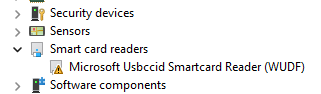
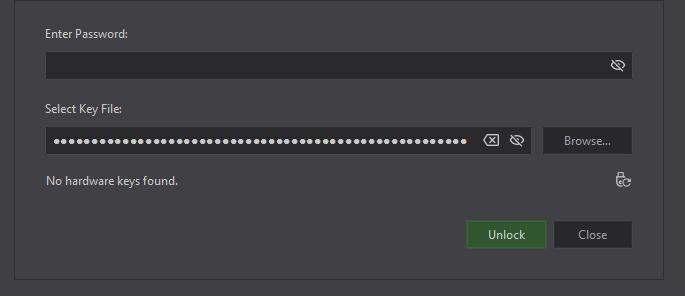
After I upgrade the firmware of my NK3 C to the last version ( 1.9.0), my Windows 11 Notebook (Elitebook 665 G11) did not recognize the key anymore. It is listed under devices - but with a driver error label (no more information).
Since this is my work laptop and I can nothing install by hand what can I do?
Unfortunately my KeypassXC passwordsafe is on that notebook too.
Is there a chance that there will we a softwareupdate from mircrosoft that solve this or is this a pure nitrokey driver issue, which i can’t handle myself since I can’t install anything?
Looks like we’ve found the reason, the bug seems to affect exclusively Windows CCID communication - we’re working on a v1.9.1 release fix a bugfix already.
v1.9 is not being used for updates right now by pynitrokey and Nitrokey-App2 - sorry for the inconvenience and thanks for the reports